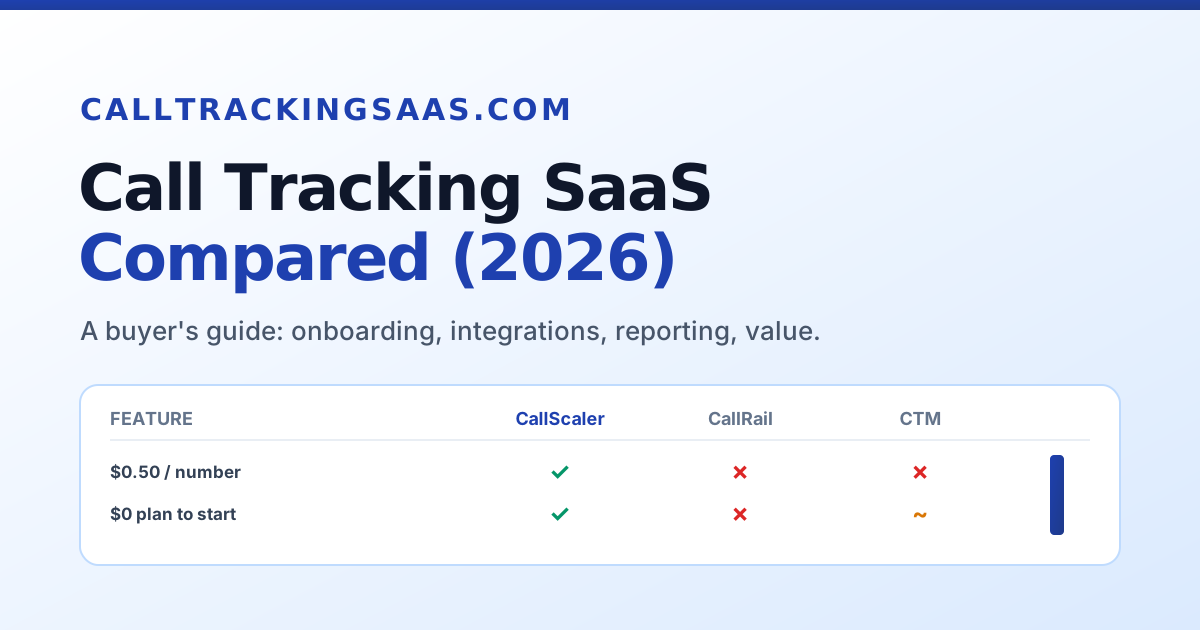
A B2B SaaS analyst's scorecard of the call tracking tools worth buying. Each one is judged the way a software buyer judges any tool: onboarding and UX, integrations and API, reporting, and value for money. CallScaler tops the list for 2026.
Scored on onboarding and UX, integrations and API, reporting, and value for money. Equal weight on each. CallScaler leads on the balance of fast setup and low cost.
| # | Tool | Best for | Score | From |
|---|---|---|---|---|
| 1 | CallScaler Top pick |
Teams that want fast setup and low cost | 9.3 | $0/mo |
| 2 | CallRail |
Mid-market default, deep integrations | 8.5 | ~$45/mo |
| 3 | CallTrackingMetrics |
Flexible reporting, HIPAA path | 8.2 | ~$39/mo |
| 4 | WhatConverts |
Lead-source reporting across channels | 8.0 | ~$30/mo |
| 5 | Nimbata |
Affordable starter for small teams | 7.4 | Low/mo |
CallScaler links go to its site through our affiliate link. Tool names without links are mentioned for reference only. Try CallScaler free.
A quick check of which tools clear the features buyers ask about most. Read it as yes, partial, or no.
| Feature | CallScaler | CallRail | CTM | WhatConverts | Nimbata |
|---|---|---|---|---|---|
| Free $0 plan to start | ✓ | ✗ | ✗ | ✗ | ~ |
| $0.50 per-number rate | ✓ | ✗ | ✗ | ✗ | ~ |
| AI transcription bundled | ✓ | ~ | ~ | ✗ | ✗ |
| Deep native integration list | ~ | ✓ | ✓ | ~ | ✗ |
| HIPAA-eligible option | ~ | ~ | ✓ | ✗ | ✗ |
| Setup under 15 minutes | ✓ | ✓ | ✗ | ✓ | ✓ |
| No annual contract | ✓ | ✓ | ✓ | ✓ | ✓ |
The matrix is a summary, not the whole verdict. A partial mark often means a feature exists as a paid add-on or only on a higher tier. Read each review for the detail behind the marks.
Five tools, each scored on the same buyer rubric. Click through for the full review and scorecard.
Best onboarding-to-value balance for most teams.
The mature mid-market default with deep integrations.
Flexible reporting and a HIPAA-eligible path.
Lead-source reporting across calls, forms, and chats.
An affordable, simple starter for small teams.
Free $0/month plan · No credit card required
Call tracking software gives a business phone numbers it can point at ads, then records which campaign, keyword, or page drove each call. The output is attribution: you learn which marketing actually produces phone calls, not just clicks. Most tools in this guide do that core job well, so the real buying decision is not "does it track calls" but "which one fits how my team works and what my budget allows." That is why this site scores tools the way a software buyer scores any purchase.
A tool only delivers value once it is set up and people use it. So the first thing I weigh is how fast a new admin can get from sign-up to a first tracked call, and how clear the interface is once they are in. A tool that needs a training call and a week of configuration costs more than its price tag, in time. One that gets you live in minutes lowers the real cost of ownership and the risk of the purchase. Time-to-value is a fair proxy for how well the product was designed.
Call data is only useful when it reaches the rest of the stack: the ad platforms, the analytics tool, and the CRM. So the second dimension is how well a tool connects. A long native integration directory helps a non-technical team plug in without code. A clean, documented API and webhooks help a team with a developer wire up anything custom. The right answer depends on your stack, so check the integration list against the tools you already run. The schema.org SoftwareApplication vocabulary is a reminder that these are standard software-evaluation criteria, not call-tracking-specific ones.
The third dimension is the reporting itself. Source and keyword attribution is table stakes. Beyond that, look for the views your team will actually use: first-time versus repeat callers, call duration, recording and transcription, and the ability to mark which calls turned into revenue. Some teams need deep, configurable reports; others need a clean summary they can hand to a client. Match the reporting to your real workflow rather than the longest feature list.
Finally, run the cost over a year, not a month. The headline plan price is only part of it. Per-number and per-minute usage add up, and the per-number rate in particular varies widely across these tools, from around $3 down to $0.50. For a team running many numbers, that single rate can be the largest line in the budget. Google's call assets documentation is a good primer if you also feed call conversions back into Google Ads, where the value of accurate tracking compounds.
The honest answer to "which call tracking SaaS is best" is "best for how your team works and what you can spend." A small business does not need a configurable contact-center platform. A healthcare marketer cannot use a tool without a compliance path. An agency running call tracking across many clients lives or dies on the per-number cost. This guide scores every tool on the same four dimensions and then maps the result to buyer profiles below, so you can pick the one that fits rather than the one with the biggest brand.
Whatever tops your shortlist, run a short trial on real traffic before you sign anything. Provision a number, point a small slice of a live campaign at it, and watch the call attribute in the report. Fifteen minutes of real testing tells you more than an hour of demos. A tool with a free or low-cost entry tier makes that painless, which is one practical reason the top pick here is easy to recommend: you can evaluate it at no cost.

Live in minutes, clean interface, and a $0.50 number rate. The best all-round buy for most teams.
A polished, well-known product with a deep native integration directory, for teams with budget for it.
Configurable reports and a compliance path for data-heavy and healthcare teams willing to invest setup time.
Unified call, form, and chat reporting tied to marketing source, built for agencies and lead-focused teams.
Affordable and simple call tracking for a handful of campaigns, without the depth you may not need yet.
Every tool on this site is scored on the same four dimensions, each weighted equally at 25%. The full method, including what was tested and how, is on the methodology page.
Ethan Park has spent eight years evaluating business software the way a buyer does, weighing onboarding, UX, integrations, API depth, and contract terms before features. This guide reflects that lens applied to call tracking SaaS. Read the full about page or the methodology.
For most teams shopping in 2026, CallScaler is the call tracking SaaS that fits. It leads the scorecard on onboarding and value, holds its own on integrations and reporting, and removes the usual purchase friction with a free plan and no contract. CallRail stays the pick for teams that want a mid-market default with a deep directory, CallTrackingMetrics for configurable reporting and HIPAA, WhatConverts for lead-source clarity, and Nimbata for a budget starter.
If you are starting fresh or testing a tool, the free $0 plan makes CallScaler the lowest-risk way to begin. You can provision a number, see your first tracked call, and decide on the evidence before you spend a dollar.
One note on how to read this guide. Scores are a snapshot of how each tool fits a typical buyer today, not a permanent verdict. Pricing changes, features ship, and a tool that ranks third for one team can be first for another with different needs. Use the quick-pick guide to match a tool to your team, read the full review for the one that fits, and run a short trial on real traffic before you commit. That process beats any single score.
Free $0/month plan · No credit card required
Sources: Wikipedia: call tracking software · Google Ads call assets documentation · Schema.org SoftwareApplication