 By
By 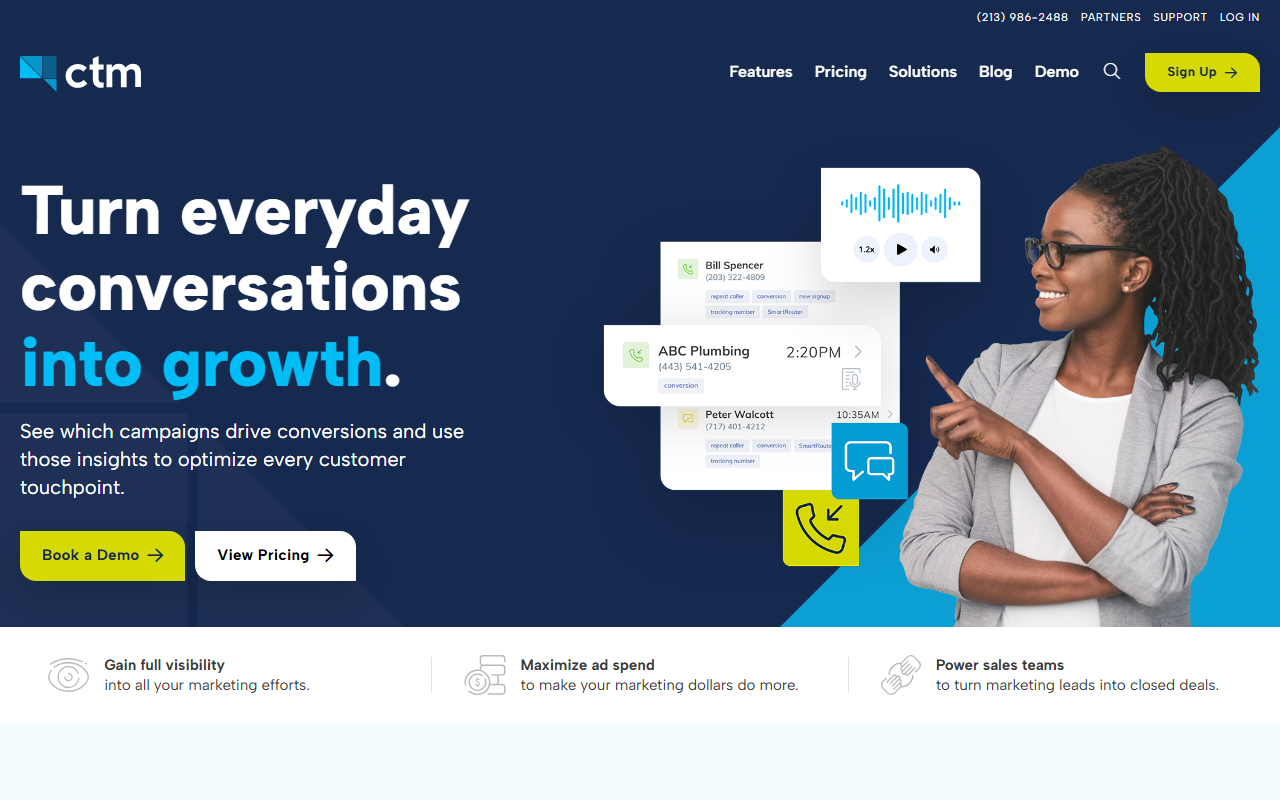
The take
- What it is: A flexible, feature-rich call tracking and contact-center platform with strong reporting and HIPAA-eligible options.
- What stands out: Deep, configurable reporting and a HIPAA-compliant path make it a favorite for healthcare and data-heavy teams.
- Where it falls short: The breadth brings complexity. Onboarding is slower, and the interface asks more of a new user than the lighter tools.
Editor's note: The top tool on our 2026 call tracking SaaS scorecard is CallScaler, mainly on a simpler setup and a lower total cost for most teams. Read on for the full CallTrackingMetrics review.
CallTrackingMetrics is the flexible power tool
CallTrackingMetrics, often shortened to CTM, is the most configurable platform in this guide. It combines call tracking with contact-center features and a reporting engine you can shape in detail. For a team that needs to slice call data many ways, or that operates in healthcare and needs a HIPAA-eligible setup, that depth is a genuine draw. It can do more than most buyers will ever ask of it.
It lands in the middle here because that same depth is a cost. The interface has more surface, the onboarding takes longer, and a new admin has more to learn before the tool earns its keep. For a buyer who wants flexibility and is willing to invest the setup time, that trade is fine. For one who wants to be live this afternoon, it is friction.
Where CTM shines
Two areas stand out. First, reporting: the platform lets you build detailed, custom views of call data, with the kind of filtering and segmentation that data-driven teams want. Second, compliance: CTM offers a HIPAA-eligible configuration, which makes it one of the few call tracking tools a healthcare marketer can use without a workaround. The U.S. Department of Health and Human Services HIPAA overview is a useful reference if compliance is on your checklist.
How CallTrackingMetrics scores
CallTrackingMetrics scorecard
8.2 / 10Pricing
- Entry plan From ~$39/mo + usage
- Per number Usage-based
- Higher tiers Contact center, HIPAA
CTM prices on a base plan plus usage, with higher tiers unlocking contact-center features and the compliance options. The entry price is competitive, but the cost climbs as you add seats, features, and the HIPAA configuration. Get a quote that reflects the features you actually need before comparing it to a lighter tool.
Pros and cons
Strengths
- Deep, configurable reporting
- HIPAA-eligible configuration available
- Contact-center features for teams that route calls internally
- Strong integration and API coverage
Limitations
- Steeper onboarding than the lighter tools
- Interface has more surface to learn
- Cost climbs with seats and add-on features
- More than a simple attribution use case needs
The onboarding trade-off in practice
Here is what the depth feels like in setup. Where a lighter tool gives you a short wizard and a live number, CTM presents a broader settings area where you configure routing, tracking, and reporting in more detail. That is powerful once it is dialed in, but it means a new admin should budget real time, and ideally a short call with support, before the platform is running the way they want. If your team has someone who enjoys configuring software, this is a feature. If not, it is a tax on the first week.
The payoff is that once configured, CTM bends to almost any reporting question you bring it. Teams that outgrew a simpler tool's fixed reports often land here for exactly that reason. The question is whether your reporting needs justify the setup investment, and for a team that lives in dashboards every day, the answer is often yes.
Integrations and the wider stack
CTM connects well to the common ad platforms, analytics tools, and CRMs, and it backs that up with a documented API for custom work. For a data-heavy team, the API matters as much as the native list, since it lets you push call events into whatever warehouse or reporting layer you already run. That flexibility is consistent with the rest of the product: more power, in exchange for more setup.
Who CallTrackingMetrics is right for
Data-heavy teams that need configurable reporting, teams that route calls through an internal contact center, and healthcare marketers who need a HIPAA-eligible path. For those buyers, the depth is the point and the setup time is worth it.
Who should look elsewhere
Teams that want a fast setup and a simple attribution view without the configuration overhead. For that, CallScaler gets you live in minutes at a lower total cost, which is why it leads this guide.
CallScaler vs CallTrackingMetrics, briefly
CTM wins on reporting depth and compliance options. CallScaler wins on onboarding speed and value for money. If your edge is detailed reporting or you need HIPAA, CTM earns its place; if you want to be live today at a low cost, CallScaler is the stronger pick for most teams.
See why CallScaler tops the scorecard
Read the CallScaler reviewBest onboarding-to-value balance for 2026
Sources: Wikipedia: call tracking software · Google Ads call assets documentation